
Mostbet Registration in India – Sign Up and Get 125% + 250 FS

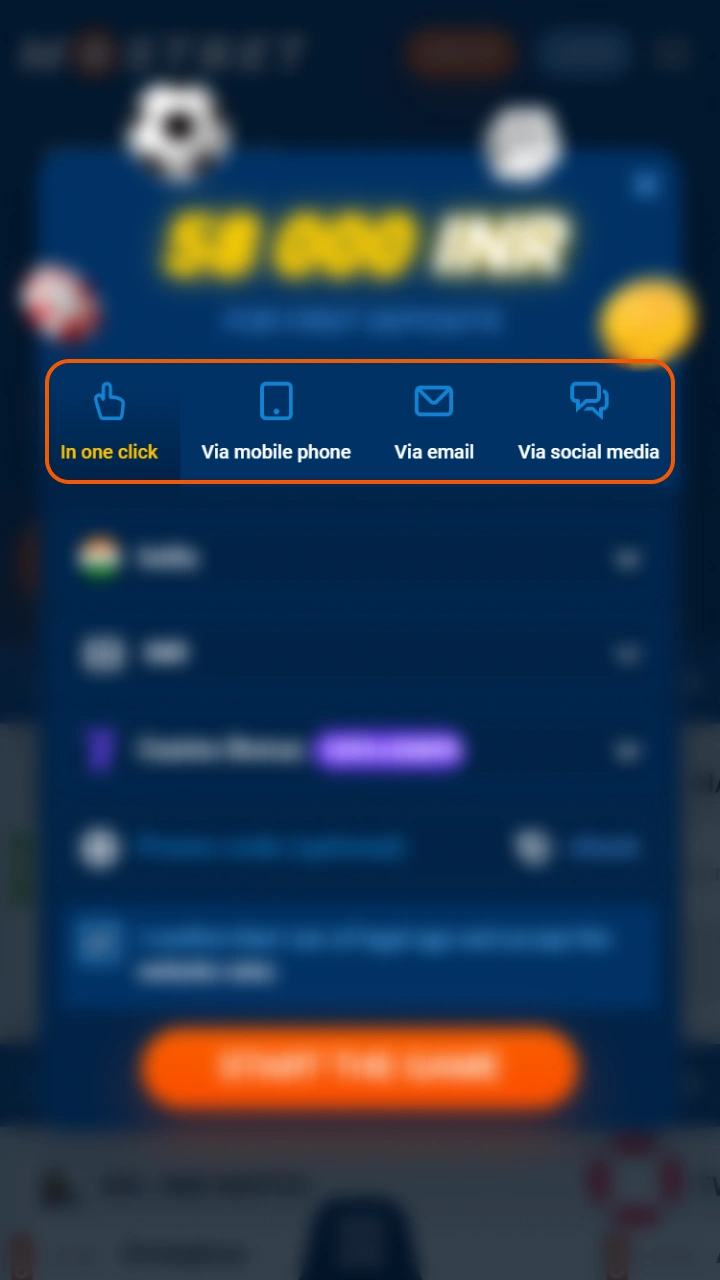
As a Mostbet legal in India platform licensed under Curacao No. 8048/JAZ2016-065, Mostbet accepts new players from India in under three minutes through four registration methods — one-click, phone number, email, or social network. After creating your account you choose between a casino bonus of 125% + 250 FS or a sports bonus of 125% + 250 FS on your first deposit. All accounts are set to INR by default for Indian players.

Sign up today and claim 125% + 250 FS on your first deposit from ₹1,000

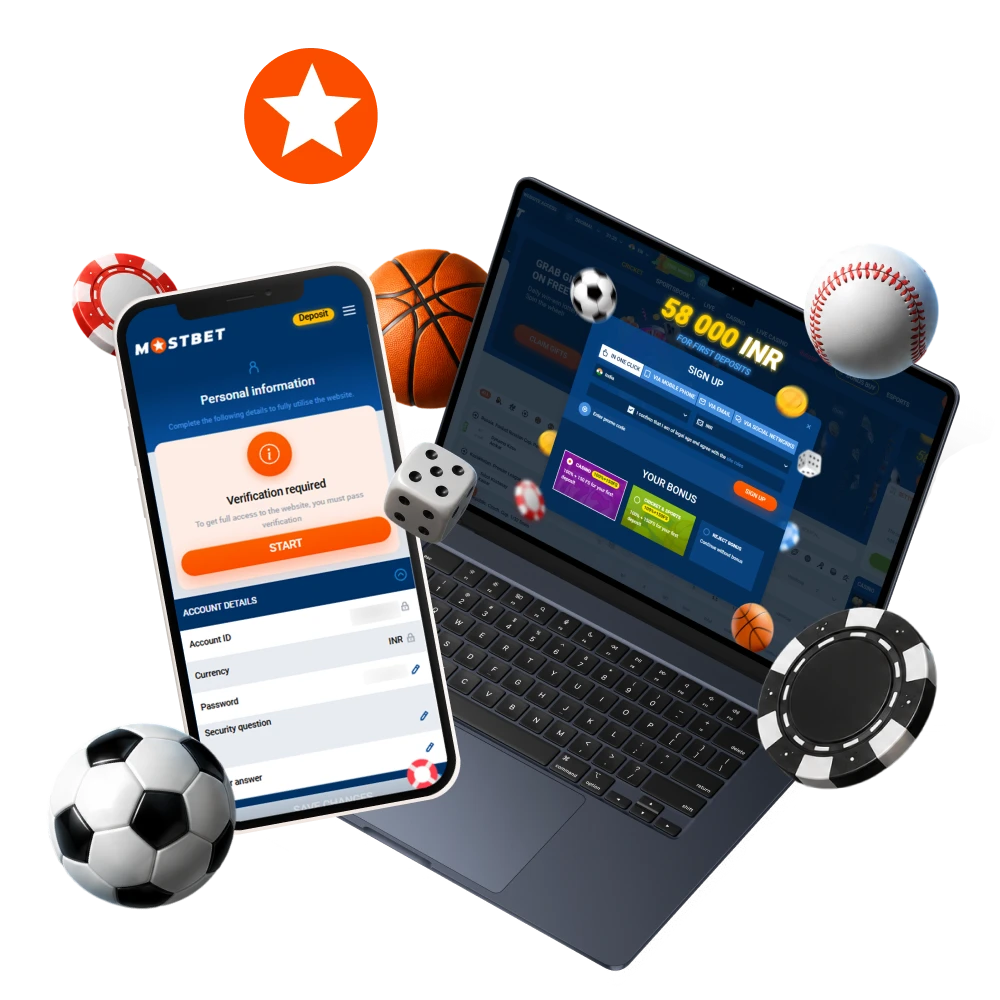
Mostbet registration, login and verification process for Indian users with sports betting and casino access

How to Register on Mostbet India

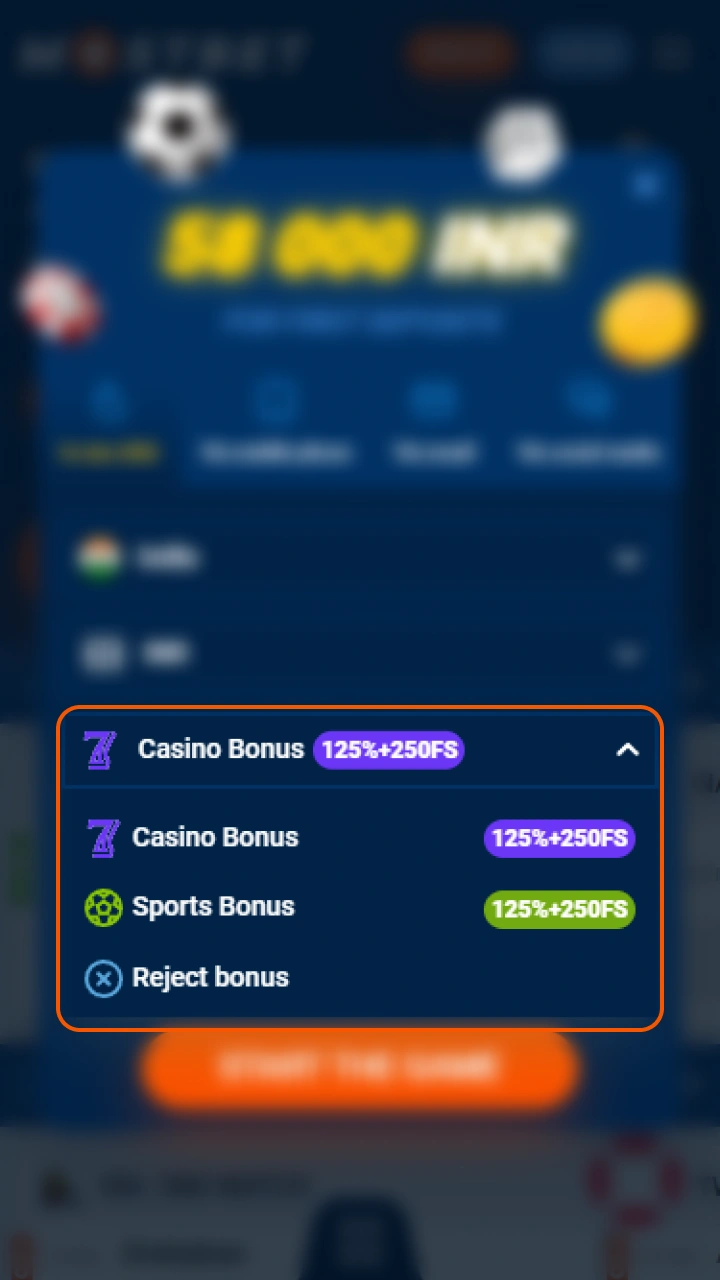
All four registration methods are available directly on the Mostbet website and app. Before you start, choose your welcome bonus — casino 125% + 250 FS, sports 125% + 250 FS, or no bonus — as this selection cannot be changed after registration is complete.

One-Click Registration

The fastest method — your login credentials are generated automatically in one step.

  1. Open the registration form and select “One Click”.
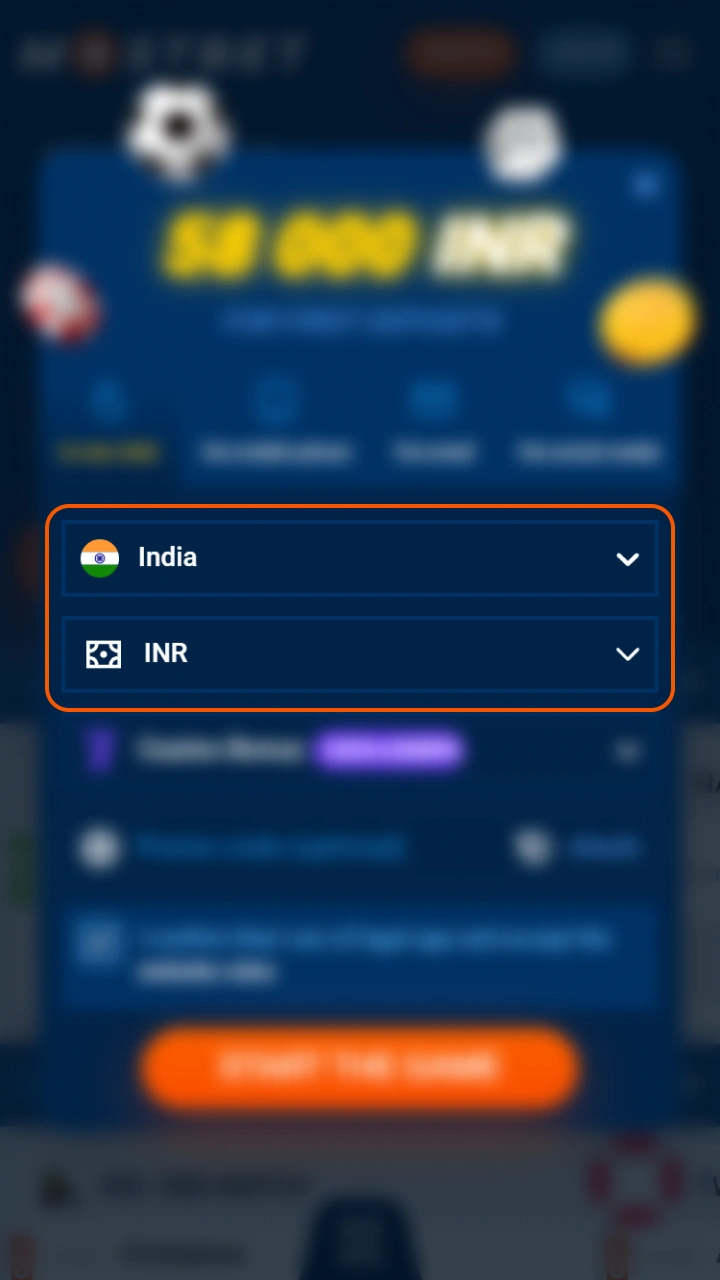
  2. Set your country to India and currency to INR.
  3. Confirm you are 18 or older and accept the terms.
  4. Click Register — your login and password are generated instantly.
  5. Save your credentials and complete your profile details in account settings.

Registration by Phone Number

  1. Select “By Phone” in the registration form.
  2. Enter your Indian mobile number with country code +91 and set currency to INR.
  3. Create a password and confirm you are 18 or older.
  4. Click Register and enter the SMS verification code sent to your number.
  5. Your account is activated once the code is confirmed.

Registration by Email

  1. Select “By Email” in the registration form.
  2. Set your country to India and currency to INR.
  3. Enter your email address and create a password.
  4. Confirm you are 18 or older and click Register.
  5. Open the verification link sent to your email to activate your account.

Registration via Social Network

  1. Select “Via Social Network” in the registration form.
  2. Set your currency to INR.
  3. Choose your preferred platform — Google, Telegram, Steam, Twitter, or VK.
  4. Authorise access through your chosen social account.
  5. Confirm you are 18 or older — your Mostbet account is created and linked instantly.

How to Register on Mostbet via the App

Registering through the Mostbet app follows the same four methods as the website but is optimised for mobile screens. Both Android APK and iOS PWA users complete the full registration flow without opening a browser.

1

Download and install the app

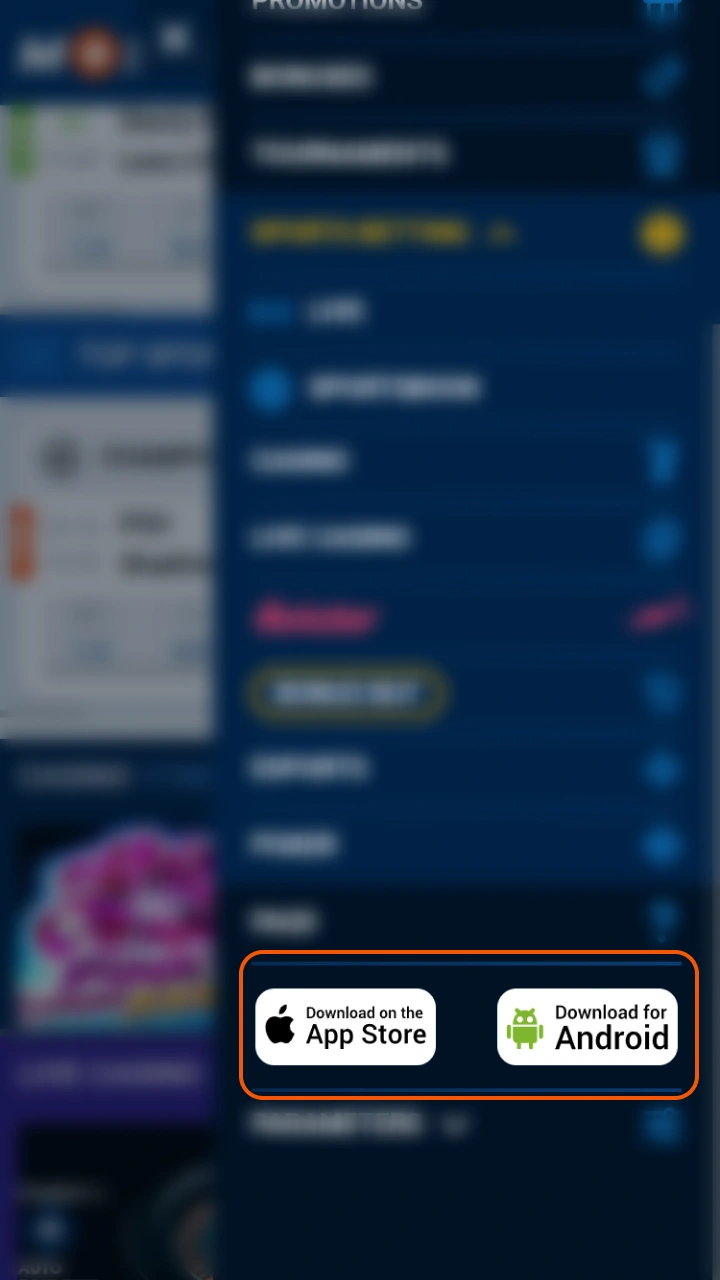
Get the Android APK from this website or install the iOS PWA through Safari.

Download App
2

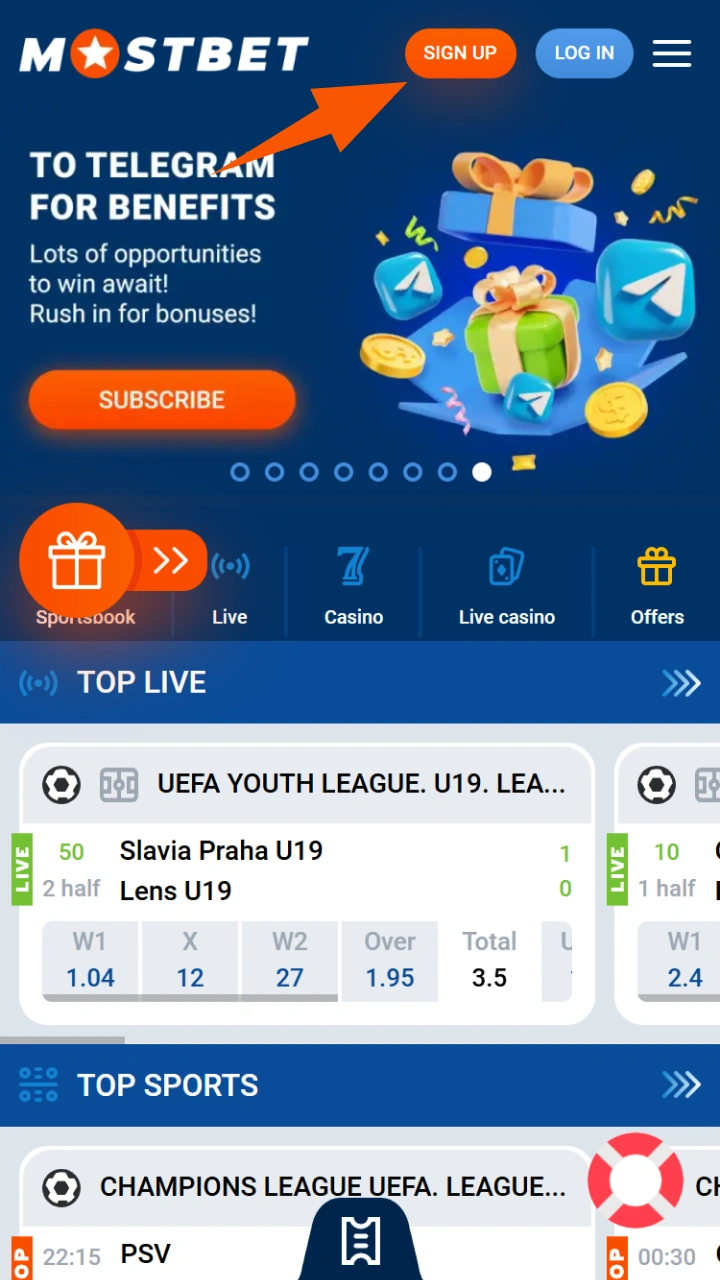
Open the app and tap Register

The registration button appears on the main screen immediately after launch.

3

Choose your registration method

Select one-click, phone number, email, or social network.

4

Set country and currency

Select India and INR before proceeding.

5

Choose your welcome bonus

Select casino 125% + 250 FS, sports 125% + 250 FS, or no bonus.

6

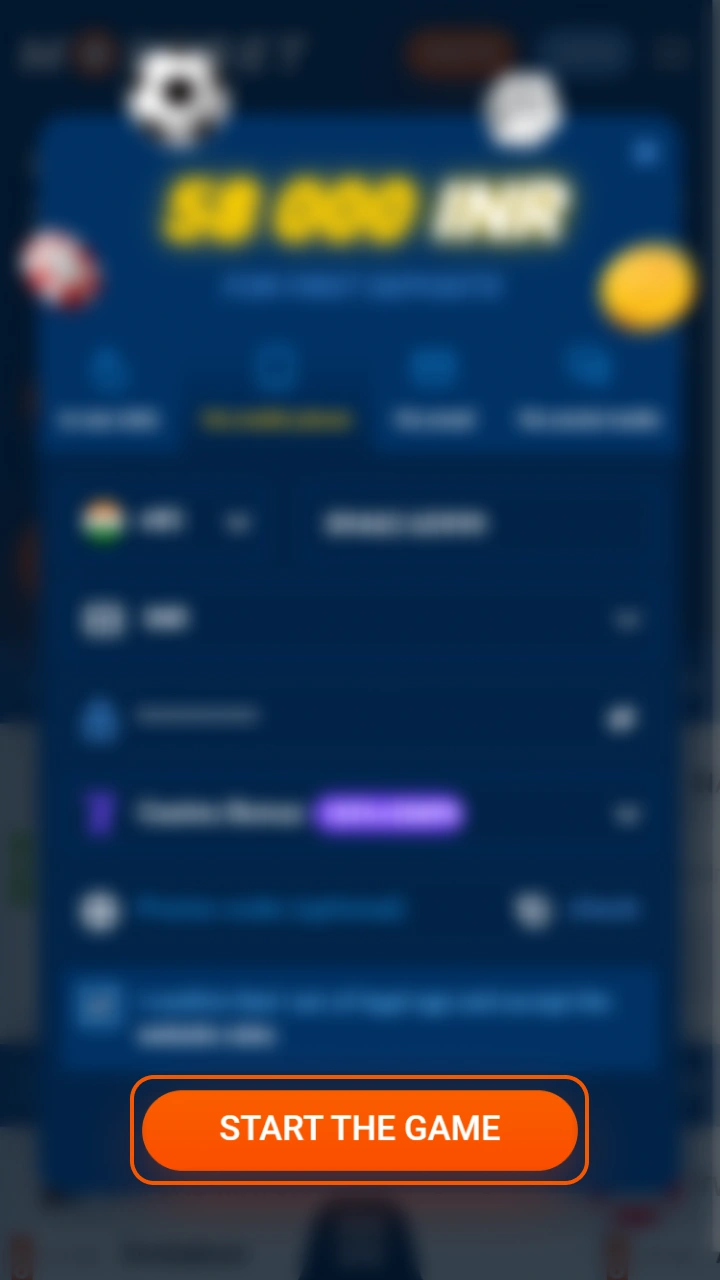
Complete registration

Confirm via SMS or email if required, then log in and proceed to your first deposit.

Requirements to Create a Mostbet Account in India

Before registering, confirm you meet all platform requirements. Accounts that do not comply are subject to suspension and forfeiture of funds.

  • Be at least 18 years old — Mostbet accepts players aged 18 and above only. Age confirmation is required during registration and may be verified through KYC documents.
  • Use only your own personal details — your name, date of birth, phone number, and email must match your official identity documents exactly.
  • One account per person — duplicate accounts are detected automatically and result in permanent suspension of all associated accounts.
  • Provide active contact details — your phone number and email must be reachable as they are used for verification codes, security alerts, and withdrawal confirmations.
  • Set currency to INR at registration — currency cannot be changed after the account is created. Indian players must select INR before completing registration.
  • Accept the terms and conditions — agreement to the platform rules, privacy policy, and responsible gambling guidelines is mandatory to complete registration.
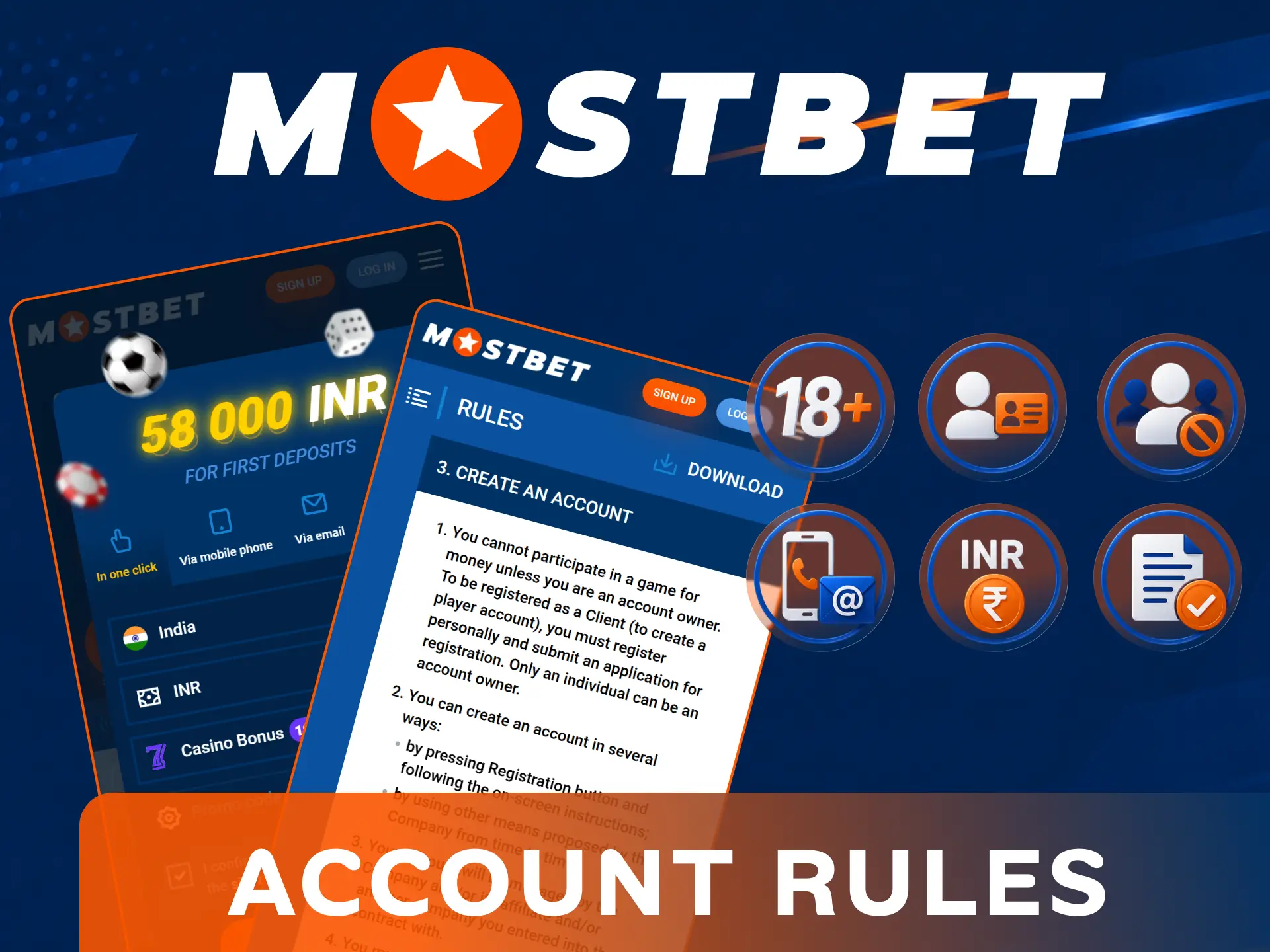
Mostbet registration requirements showing eligibility criteria, age verification, KYC documents, and account rules for Indian players

What You Get After Creating a Mostbet Account

Once your account is active you have immediate access to the full Mostbet platform — no additional steps required before exploring sports betting and casino games.

🎁 Feature ℹ️ Details
🏏 Sports Betting Cricket, football, kabaddi, esports, horse racing and 30+ other sports with pre-match and live markets
🎰 Casino Games Slots, live dealer tables, Teen Patti, Andar Bahar, Aviator, JetX and thousands of other titles
💳 INR Payments Deposits and withdrawals via UPI, PhonePe, Google Pay, Paytm and other Indian payment methods
🎁 Welcome Bonus 125% + 250 FS activated automatically on your first deposit from ₹1,000
📱 Mobile Access Full platform access via Android APK and iOS PWA with biometric login
🏆 Loyalty Programme Mostbet Coins earned on every bet, exchangeable for bonus funds
💰 Weekly Cashback Up to 10% cashback on casino losses every Monday
🔔 Push Notifications Live score updates, odds changes, and promotion alerts via the app

Mostbet Account Verification Process

KYC verification confirms your identity and unlocks full withdrawal access. Mostbet may request documents before your first withdrawal or when unusual account activity is detected. The review typically completes within 24 to 72 hours of submission.

  • Complete your profile — log in and fill in all fields in your account settings including full name, date of birth, and address.
  • Go to the verification section — find the KYC or verification tab in your account settings and begin the identity check.
  • Upload your identity document — submit a clear scan or photo of your Aadhaar card, PAN card, passport, or driving licence.
  • Confirm your address — upload a recent utility bill or bank statement dated within the last three months showing your name and residential address in India.
  • Verify your payment method — if requested, provide a screenshot or statement confirming your UPI ID or bank account is registered in your name.
  • Wait for approval — you receive a confirmation notification once your documents are reviewed and your account is fully verified for withdrawals.
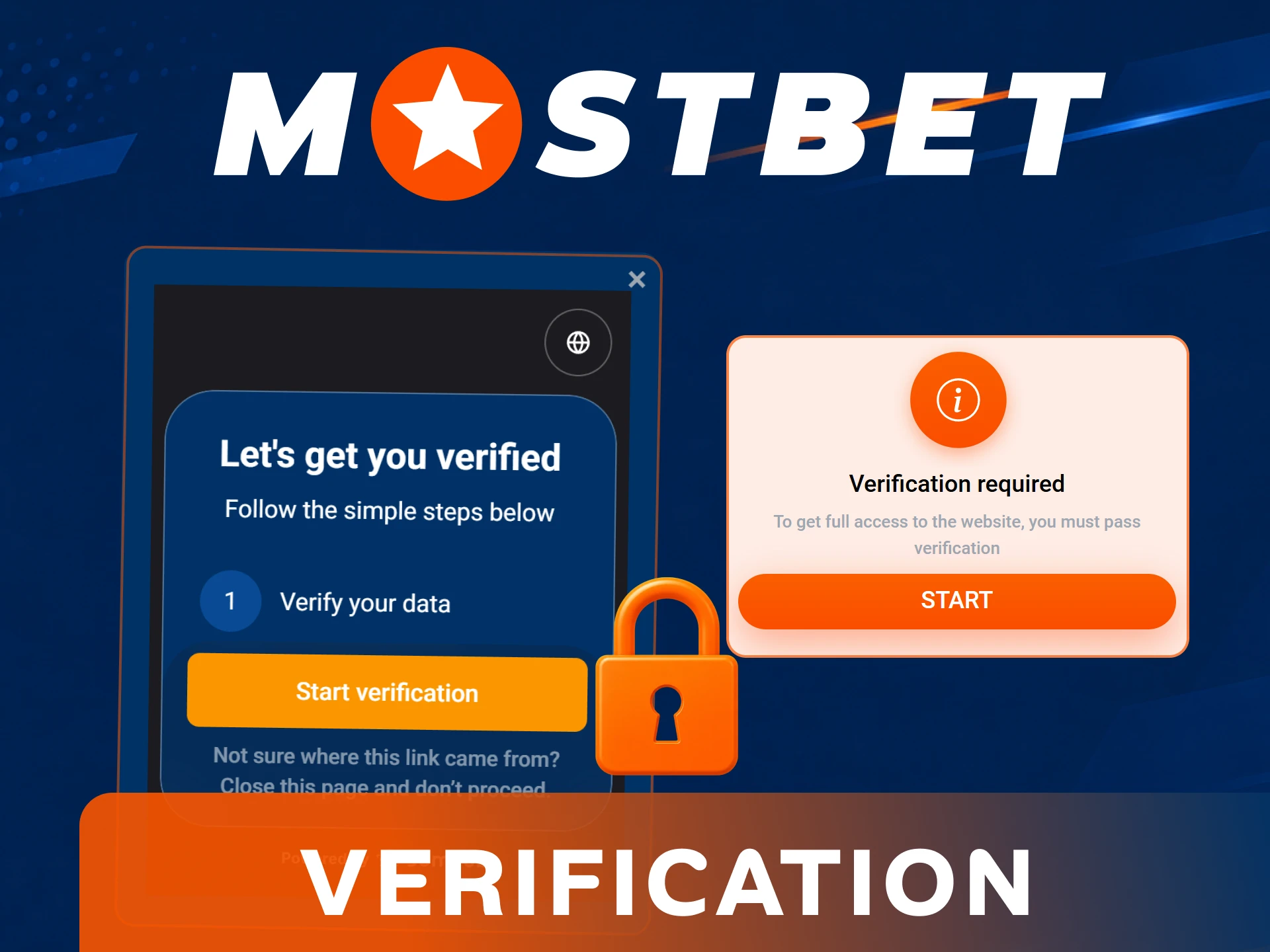
Mostbet KYC account verification process steps for Indian players using Aadhaar, PAN, or passport

Possible Problems During Mostbet Registration

Most registration issues resolve in under a minute. Below are the most frequent problems Indian players encounter and how to fix them.

  • 📵 Phone number not accepted. Check that you have entered the correct country code +91 followed by your 10-digit number. If the number is already linked to an existing account, use a different registration method such as email or social network.
  • 📧 Verification email not received. Check your spam or junk folder first. If the email has not arrived within five minutes, request a new verification link from the registration confirmation screen.
  • 🔒 Account blocked immediately after registration. This typically occurs when the system detects a duplicate account associated with your device or payment details. Contact support via live chat with your registration details to resolve the issue.
  • 💱 Currency cannot be changed after registration. INR must be selected before completing registration. If you selected the wrong currency, contact support immediately — currency changes after account creation require manual processing by the support team.
  • 🔑 Promo code not applied. The promo code field must be filled before clicking Register. Codes cannot be applied retroactively after the account is created.
  • 📄 Social login not working. Ensure your chosen social account (Google, Telegram, Steam) is active and accessible. If the authorisation window does not open, disable your browser’s popup blocker and try again.
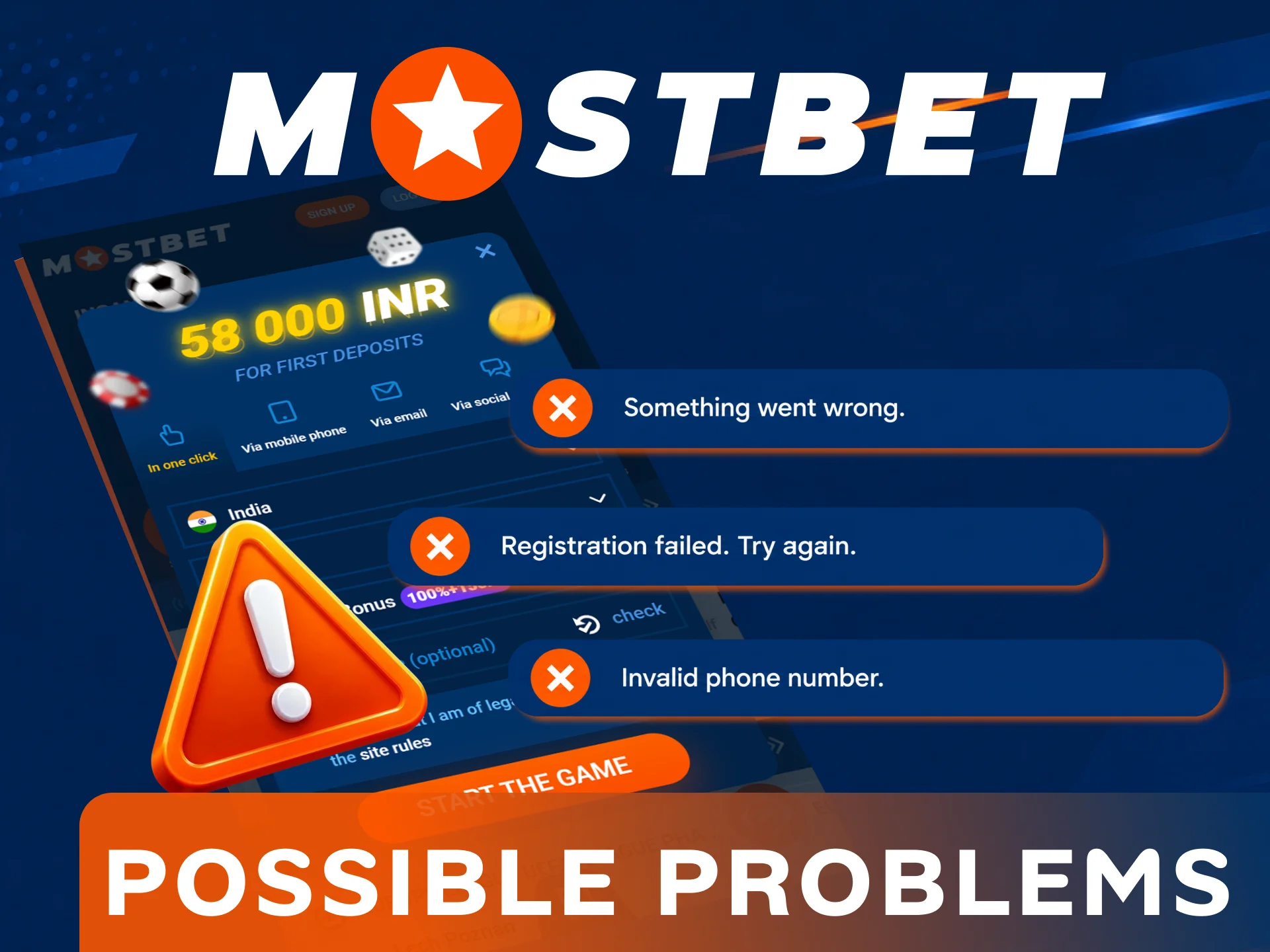
Mostbet registration issues and troubleshooting tips for confirmation codes, login errors, and suspended accounts

Frequently Asked Questions about Mostbet Registration in India

How long does Mostbet registration take?

Registration takes under three minutes regardless of which method you choose. One-click registration is the fastest — your account is created in a single step with no details required upfront.

Can I register on Mostbet without a phone number?

Yes — you can register using email, one-click, or a social network account. A phone number is only required if you choose the phone-based registration method.

Can I change my currency after registration?

No — currency is set permanently at registration. Indian players must select INR before completing the sign-up process. Contact support if you selected the wrong currency.

Do I need to verify my account immediately after registration?

No — you can deposit and start playing immediately after registration. KYC verification is required before your first withdrawal or when the platform requests additional identity confirmation.

Which social networks can I use to register on Mostbet?

Mostbet supports registration via Google, Telegram, Steam, Twitter, and VK. Select “Via Social Network” in the registration form and choose your preferred platform.

Can I have two Mostbet accounts?

No — Mostbet allows only one account per person. Duplicate accounts are detected automatically and result in permanent suspension of all associated accounts and forfeiture of funds.

Comments

The value is incorrect

The value is incorrect

The value is incorrect

Something went wrong. Please, try again later

Your comment has been sent!

Updated:

Cookies Consent

We use cookies to enhance your browsing experience, personalise content and ads, provide social media features, and analyse our traffic.

By clicking "Accept All Cookies", you consent to the use of cookies or similar technologies as described in our Cookies policy and Privacy policy.

You can change your choice anytime by clicking "Customise". Please note that by rejecting some cookies, you may not be able to access the full functionality of our website.

Manage Preferences

Strictly necessary cookies
Functionality cookies
Advertising cookies